
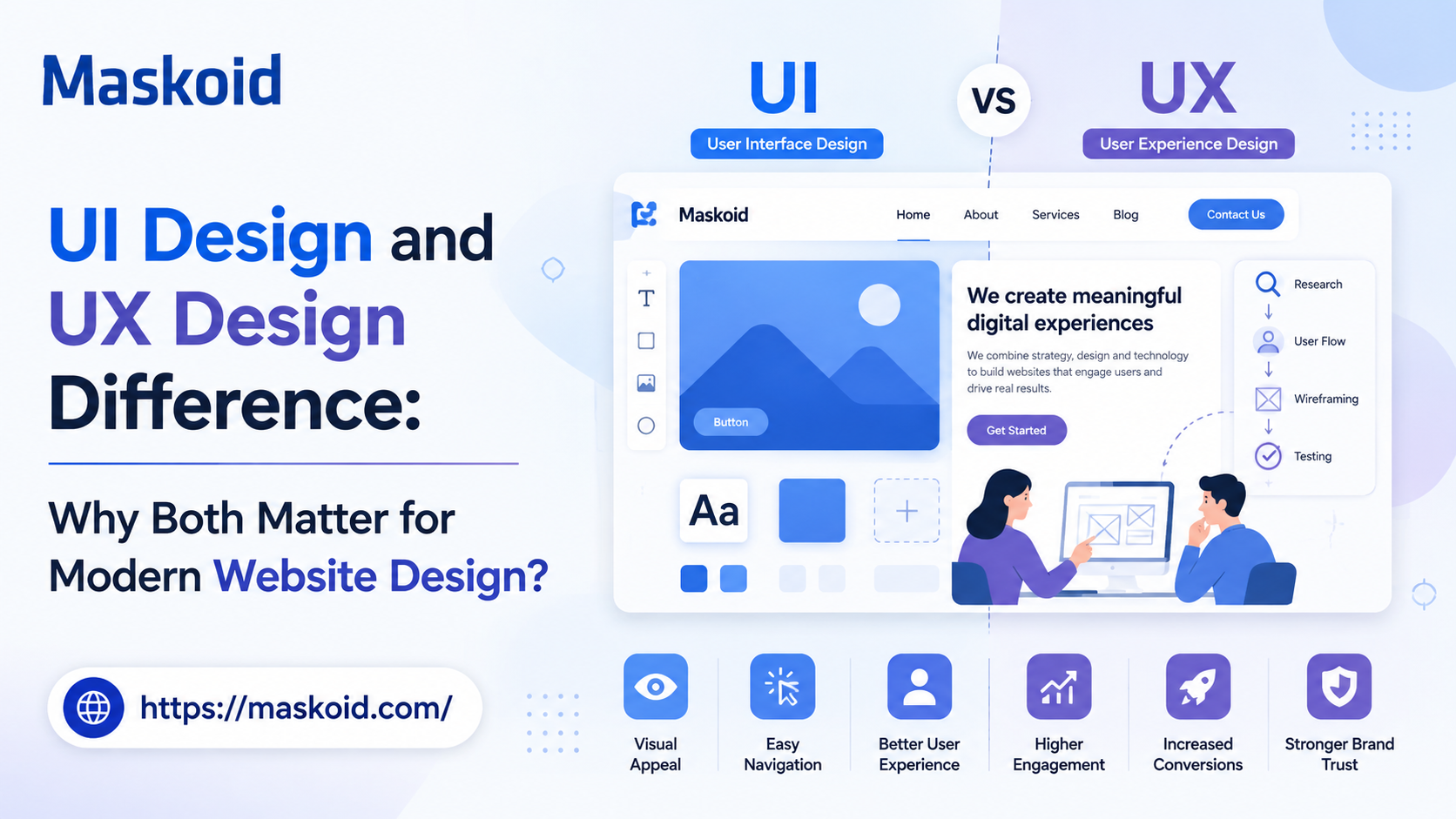
UI Design and UX Design Difference: Why Both Matter for Modern Website Design?

A successful website needs more than an attractive visual design. It must also provide a clear, intuitive, and seamless experience that helps visitors find information and complete their intended actions with minimal effort. This is where understanding the ui design and ux design difference becomes essential. Although UI and UX are closely connected, they address different aspects of website design. UI focuses on the visual and interactive elements of a website, while UX focuses on the overall usability, structure, and journey of the user. Understanding how these two disciplines work together can help businesses create websites that not only look professional but also perform effectively and support better user engagement and conversions.
What UI Design Actually Covers?
User interface design is the visual and interactive layer of a website. Buttons, navigation menus, color schemes, typography, spacing, icons, forms, hover states all of it falls under UI.
A UI designer is asking: does this button look clickable? Is the heading hierarchy clear enough that someone skimming the page understands what matters most? Do the product cards on an e-commerce page line up neatly, or feel cramped and inconsistent?
A good UI creates a sense of order. Nothing feels random. When you visit a well-designed booking page and the “Reserve Now” button is exactly where your eyes expect it, that’s the UI doing its job quietly in the background.
But a beautiful interface doesn’t automatically mean people can use the site. You can have gorgeous typography and an award-worthy color palette, and someone can still be confused about how to actually book a service or request a quote.
What UX Design Actually Covers?
User experience design zooms out. Instead of asking how something looks, it asks how the whole journey feels from the moment someone lands on your homepage to the moment they complete whatever they came to do.
UX designers spend time on questions like: What is the visitor actually trying to accomplish? How many steps does it take to get there? Where do people usually get stuck or give up?
This work involves research, wireframes, user flows, and often testing with real people — not just assumptions about what “should” work. A UX review of a lead-generation site might reveal a contact form with six fields when three would do, or pricing buried three clicks deep when it should be visible immediately.
UI Design vs UX Design: Where the Line Actually Sits
If you’re trying to pin down ui design vs ux design in one sentence, it comes down to this: UI decides how the interface looks and behaves, while UX decides how the entire experience is structured.
Think of a hotel booking website. UI is responsible for the room cards, the “Book Now” button styling, the photo treatment, the fonts. UX is responsible for whether a visitor can actually compare room types easily, understand what’s included in the price, pick dates without fighting a broken calendar widget, and finish the booking without abandoning the cart halfway through.
Neither one is the “senior” discipline here. A site with flawless UX but sloppy UI can look unfinished and unprofessional, which quietly damages trust even if the functionality is fine. A site with stunning UI but tangled UX looks impressive for about ten seconds before the visitor gets frustrated and leaves.
UI Design vs UX Design: What’s the Real Difference?
UI Design | UX Design |
Focuses on the interface | Focuses on the full experience |
Visual presentation color, type, icons, spacing | Usability, structure, and journeys |
Answers: how should this look? | Answers: how should this work? |
Works at the screen level | Works across the entire site journey |
Built through mockups and visual systems | Built through research, flows, and testing |
This table is a useful shortcut, but don’t let it convince you these are separate silos. In practice, a UX decision (like simplifying a checkout flow to two steps) directly shapes what UI needs to design next. They feed into each other constantly.
UI vs UX: What Happens When One Is Missing
Picture a site with smooth animations, striking photography, and a modern color palette. It looks like it belongs to a well-funded brand. Now picture that same visitor trying to find the pricing page, and it’s nowhere in the main navigation it’s hidden inside a dropdown three levels deep, and the “Get Started” button leads to a form asking for a phone number, company size, industry, and a 500-word project description before anyone will even talk to them.
That’s a strong UI paired with a weak UX. It looks credible and performs poorly.
Flip it around. A site that’s logically structured, loads fast, and gets visitors to the right page in one or two clicks but the buttons are gray-on-gray, the type sizes jump around inconsistently, and nothing about the layout signals what’s actually important on the page. That site might technically work, but visitors will second-guess whether the business behind it is legitimate. Weak UI undercuts strong UX by making the whole thing feel unpolished.
This is really the core of user interface vs user experience as a debate it isn’t really a debate. Both failure modes cost you visitors, just in different ways.
Why Does This Distinction Actually Matter for Your Website?
Navigation affects conversions.
A website can look polished and still lose customers if visitors can’t quickly figure out where to go next. Good UX creates clear navigation, logical page structures, and obvious next steps that move users toward an enquiry, purchase, or booking.
Accessibility expands your audience.
UI isn’t only about appearance. Font sizes, colour contrast, button sizes, keyboard navigation, and readable layouts all affect whether people can comfortably use a website. A better UX makes the site more inclusive while reducing unnecessary barriers.
Speed influences how people experience your design.
Beautiful animations, large images, and interactive elements mean little if they make pages painfully slow. UI decisions affect performance, while UX determines how frustrating that delay feels to the visitor. The best websites balance visual impact with speed.
Consistency builds familiarity.
When buttons, menus, forms, icons, and interactions behave consistently across pages, visitors don’t have to relearn how the website works. This small detail makes the entire experience feel easier and more professional.
Good UX reduces support questions.
If users constantly ask where to find pricing, how to book, or what happens after submitting a form, the website probably isn’t communicating clearly enough. Strong UX answers common questions within the journey instead of making users search for help.
UI and UX work together to improve brand perception.
A premium-looking interface can attract attention, but a smooth experience is what makes the brand feel reliable. When both are aligned, your website doesn’t just look professional—it behaves professionally too.
Common Mistakes Businesses Make With UI and UX
A few patterns show up again and again:
- Treating visual polish as the finish line while navigation was never properly planned
- Cramming in extra banners and pop-ups that compete for attention instead of guiding it
- Designing for desktop first and hoping mobile “just works” afterward
- Skipping real user testing because the team already knows how their own site works
That last one is sneaky. Once you’ve built a site, you know exactly where everything is. A first-time visitor doesn’t, and testing with actual outside users often catches problems your team has stopped noticing.
Bringing UI and UX Together
The strongest websites don’t treat UI and UX as separate phases handed off between teams. They start with the business goal and the audience what visitors need, what action matters most and let that shape the user journey first. Only once that structure exists does the visual system get built on top of it.
A redesign might start by noticing visitors keep struggling to find a services page. That’s a UX finding, solved by reorganizing the navigation. But making that new navigation actually stand out and feel consistent with the rest of the brand? That’s UI finishing the job.
Conclusion
The ui design and ux design difference isn’t a competition between two design camps. UI shapes what people see; UX shapes what people can actually do. A site that nails one and ignores the other leaves something on the table: visitors who don’t trust it, or visitors who can’t figure out what to do next.
If you’re planning a new website or rethinking an existing one, Maskoid Technologies brings website designing and development together to create a website that looks professional, performs smoothly, and is built around your business goals. From intuitive layouts and responsive designs to reliable development and user-friendly functionality, we focus on creating websites that are both visually engaging and easy to use.
Frequently Asked Questions
Is UI and UX the same thing?
No. UI covers the interface of what people see and interact with. UX covers the full experience of using the site to accomplish something. They overlap constantly but solve different problems.
Which matters more, UI or UX?
Neither wins outright. A site needs to look credible (UI) and function smoothly (UX) at the same time. Weakness in either one holds the whole site back.
Can one person handle both UI and UX?
Yes, especially on smaller projects. Larger builds often bring in specialists since each discipline needs a different skill set.